
See Digital Identity for Absolute Trust in action. Provision an isolated Ditto Authenticate environment, run end-to-end auth flows, and explore the admin console with sample apps and users pre-loaded.
Sign up and get a fully configured sandbox — no setup required.
No credit card. No installs. No source code needed.
How it Works
No infrastructure to stand up. No credit card. You go from "sign me up" to running Ditto Authenticate inside your own app in a single afternoon.
Sign up with your name and email and we provision a dedicated, isolated Ditto Authenticate sandbox for you — tenant, database, modules and demo users, all pre-configured.
You'll get the access details over email, typically in under a minute. Nothing to install on your side.
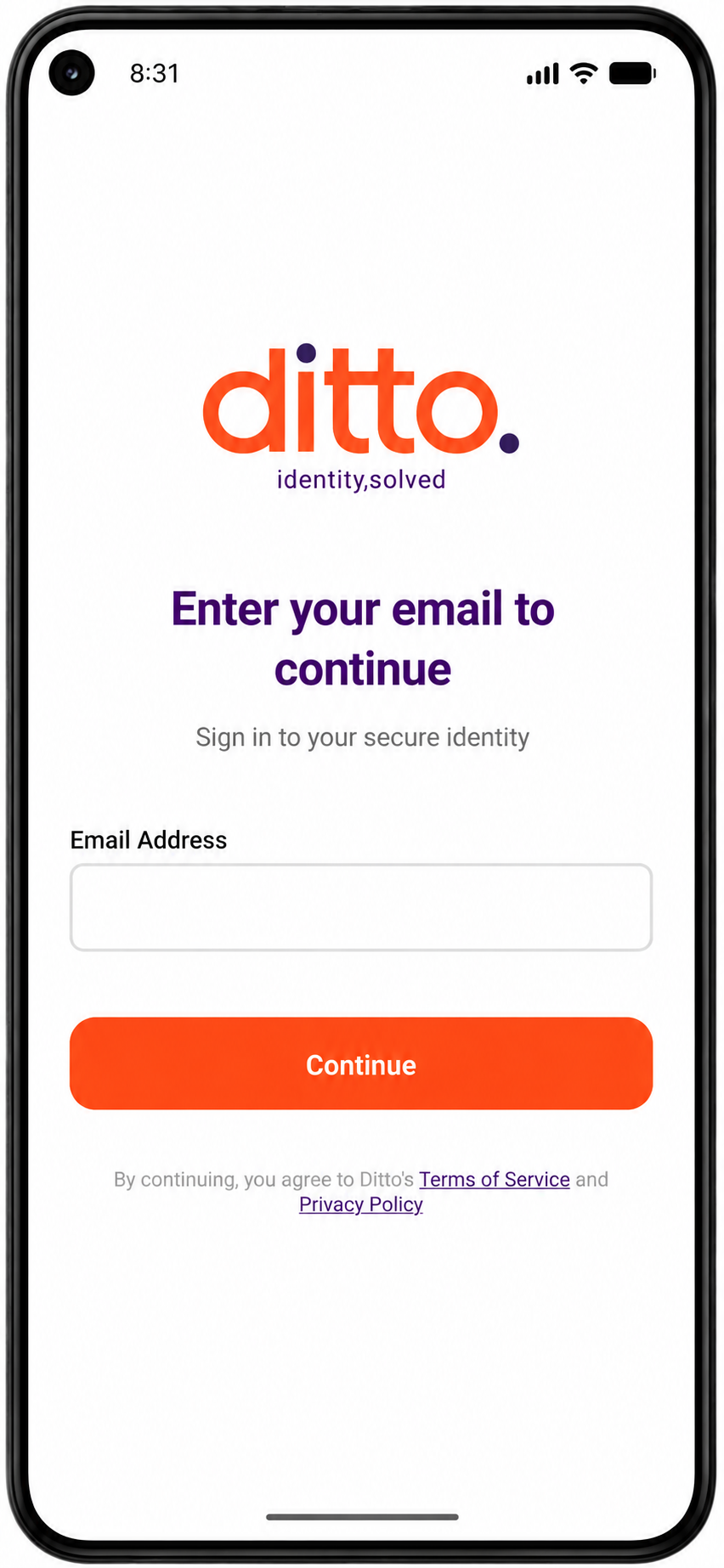
We send you a Ditto Authenticate demo mobile app already connected to your environment. Install it, sign in with your email, and run real authentication flows end-to-end.
No passwords, no setup — just scan, sign and see Ditto Authenticate in action.
Drop the Ditto Authenticate SDK into your mobile app using our reference code and Codelab walkthrough — a React Native sample is included with the SDK already integrated end-to-end.
Hit your sandbox tenant from your own build and you're live with Digital Identity for Absolute Trust.